Gravityactions v1.6.0 - By Gravity View
Spend less time getting more done So you’ve got a bunch of entries in Gravity Forms that need updating?
by Bernt Jacobsen StandalWordPress Pluginsv1.6.0Updated 1w ago
3 credits
per install
Subscribe to connect and install
Latest Version: v1.6.0Released Jun 4, 2026
About GravityActions
Spend less time getting more done So you’ve got a bunch of entries in Gravity Forms that need updating?
Spend less time getting more done
So you’ve got a bunch of entries in Gravity Forms that need updating? Normally, you’d have to edit each entry one by one. It’s a time-consuming process. With GravityActions, you can increase your productivity by bulk updating hundreds of entries in the blink of an eye!
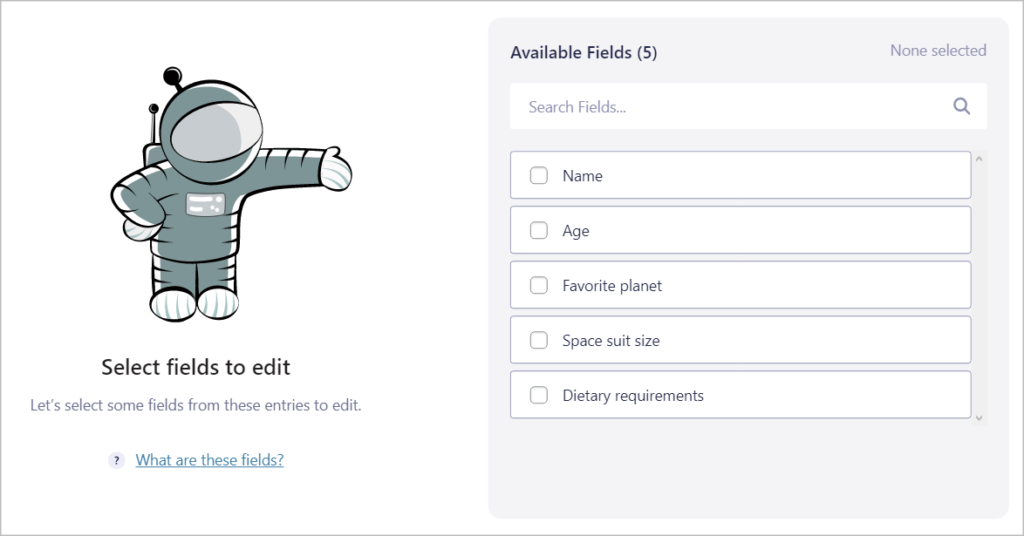
Optimize your workflow from “oh no” to “whoa!”
Change orders from “confirmed” to “shipped” en masse, bulk update user registration details, easily correct submissions with errors, and modify multiple field values at the same time. Increase your productivity with this essential addition to your Gravity Forms toolkit 🧰
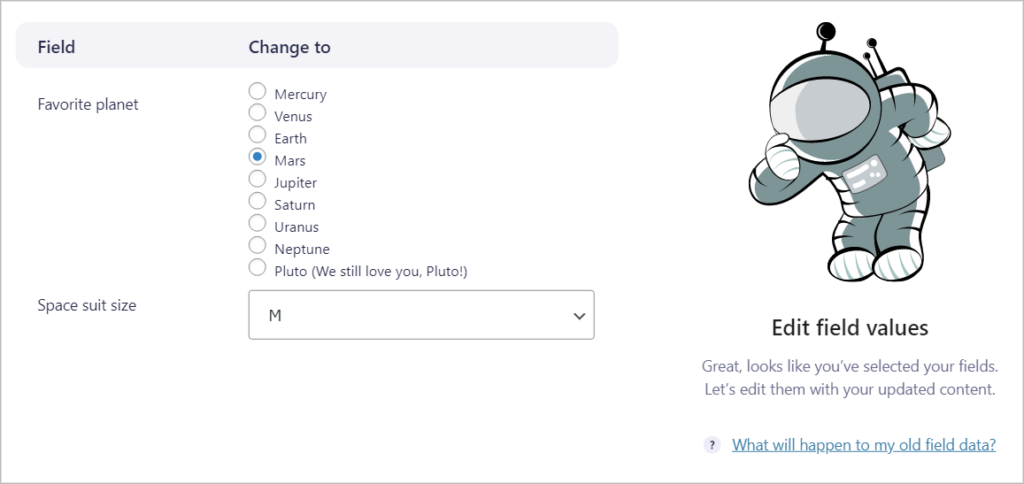
Say goodbye to writing custom code or complicated database queries
Bulk entry editing no longer requires custom code or complex SQL queries. After installing GravityActions you can bulk update your Gravity Forms entries in only a few clicks. Changes made with GravityActions are validated like regular field values to ensure your data is clean.
Get started right away
GravityActions is built for ease of use, with a straightforward and intuitive user interface. Entry notes are automatically added to entries so you know when they were modified and by who.
Impress your clients
Are your clients desperate for a quicker way to update their Gravity Forms entries? Forget about paying to hire a developer or doing the thankless work yourself. GravityActions provides the ultimate “bulk editing” solution.
No code required
Simply install GravityActions to start bulk updating Gravity Forms entries. There are no complicated options or settings to configure. If you need assistance, our support team is always available to offer you a helping hand.